
November 24, 2025
Will AI make us smarter or dumber? The insights of Klöpping, Scherder and Online Dialogue
Reflection on Klöpping × Scherder by Simon Buil (Data Analyst at Online Dialogue)

Content grouping in Google Analytics (or in any other web analytics tool) is a valuable addition to your web analytics implementation. Do you also have a page report of more than 100 different pages and lose track as a result? Then content grouping is probably a good idea. With content grouping you divide your website into groups of pages.
In total, you can create five different content groups in Google Analytics, and each content group can be given an unlimited number of labels. For example, consider an e-commerce website that sells electronics. In one content group, you can specify what type of product belongs on a page, for example, televisions or washing machines. But you might also be interested in which category these pages belong to? For example, the umbrella category of picture and sound or white goods. You can then add this information in a second content group.
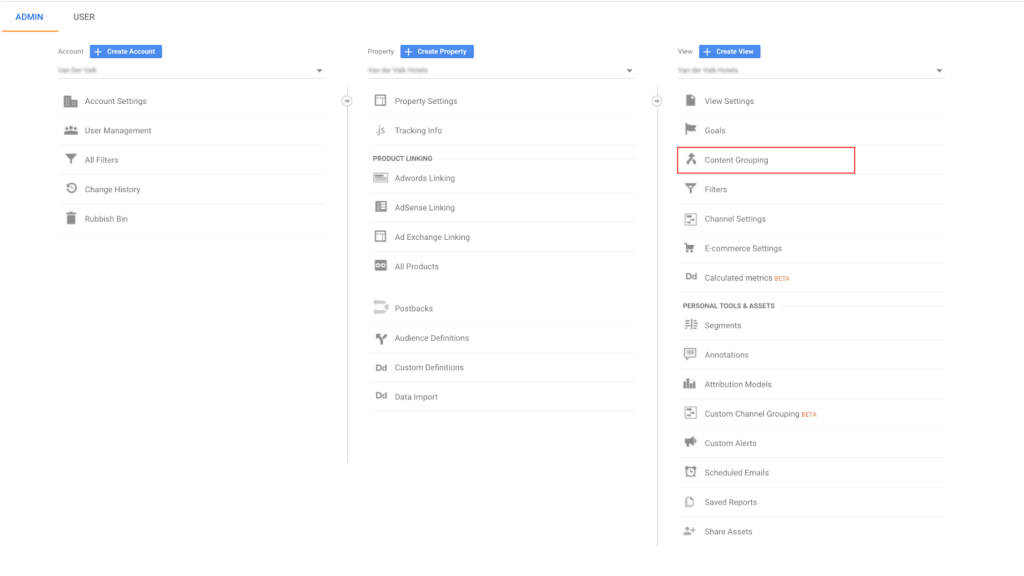
How you organize the content groups obviously depends on the structure of your site and the content/products/s/services on it. Therefore, think carefully about what is the best layout for your site. I will give a few examples of different groupings:
Especially within a conversion optimization program, testing is often done on different page types. Pages that are very similar in terms of template are taken together and analyzed together. Think for example of category pages, product pages, and check-out pages. I often use a content group like this when it is difficult to group all product pages together with a regex. The page types in turn can be used to create a bandwidth calculation out, which you can use to easily prioritize within your optimization program.
In this way you group the pages that belong to a certain phase in the customer journey, so that you can follow your customers across the different phases and see in one overview where in the customer journey there is still a lot of waste. Think for example of pages that are often viewed in the orientation phase and pages in the check-out where a customer is often already further along in the purchase process.
Especially on an e-commerce website, there is often a desire that different types of products can be viewed together, for example, men's, women's and children's clothing.
With a blog or news page, on the other hand, it is again more important to be able to group by topic so that the newsworthiness of certain topics can be easily determined.
User type can also be an important distinction. Often websites have a business and a private section. With these types of Web sites, it is useful to see in an overview where most of the traffic is going and how these groups of pages are performing.
You can choose to categorize your grouping based on the navigational structure of your website. If you have a clear navigational structure, think of an entire section of your website being about a particular topic, you can add these groups to a content group.
Nothing is more important than your website's error pages. Collecting all these error pages in a content group makes it easier to detect bugs in your website.
In short, content grouping is a good way to get a quick overview of different types of pages on your website without having to manually group all your pages. Think carefully about its layout beforehand, though, and test the grouping in a test environment before implementing it across the entire website. This will prevent your content group from being only half filled or filled incorrectly.
This article was published on July 18 at webanalists.com
 Nederlands Nederlands
 English